

Optimising for AI product discovery: what marketers must do for agents to choose your product
Gustavo De Amorim7 min read

AI agents pick products that are easy to identify, compare and buy. To win, you need clean identifiers (GTINs, brand, variants), merchant‑grade product and offer markup, and a catalogue API that exposes normalised attributes, prices and availability in real time.
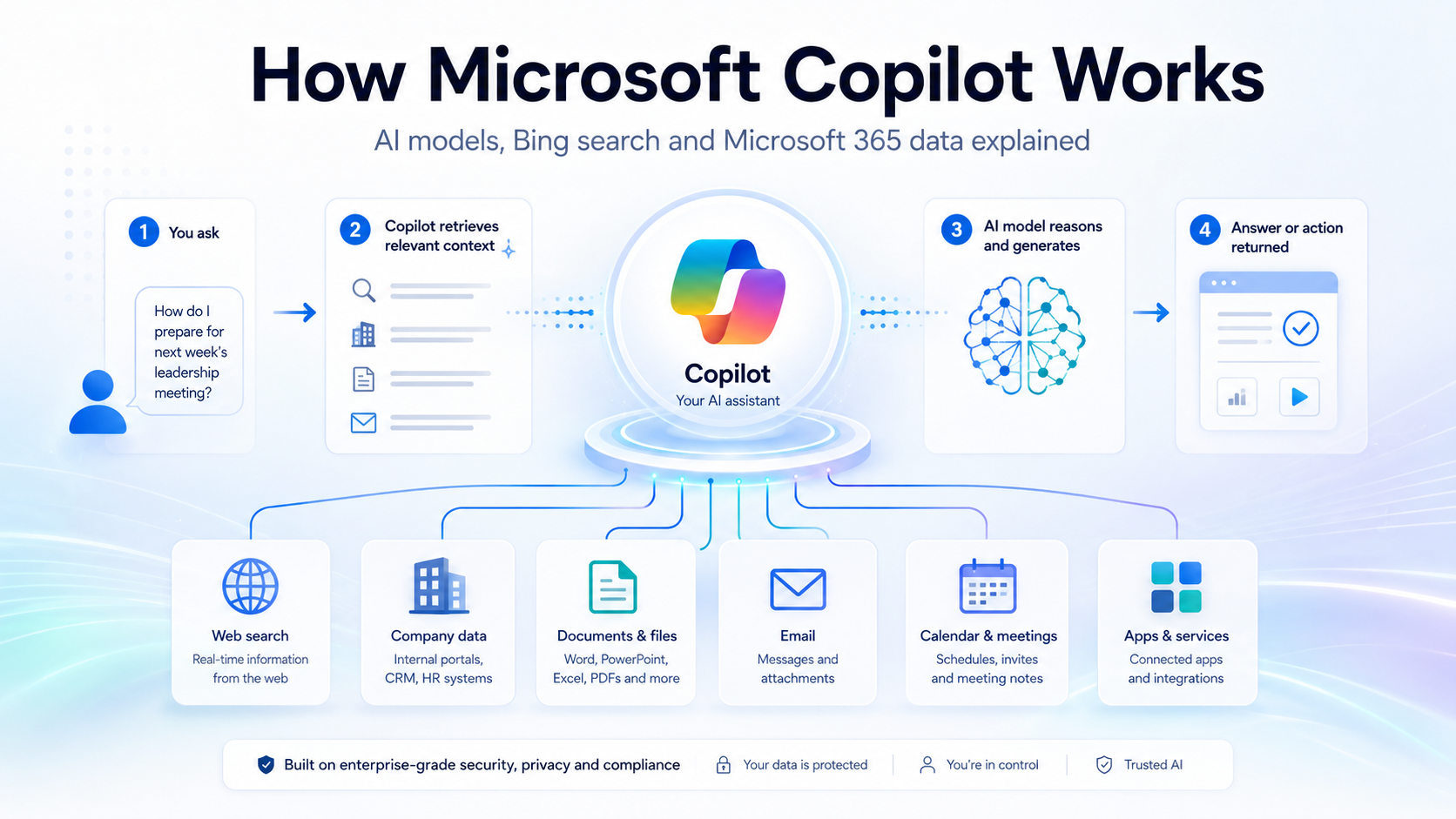
Google is openly pushing “agentic commerce,” with Universal Cart, a Universal Commerce Protocol (UCP) and Agent Payments Protocol (AP2). If you don’t feed consistent identifiers, variant data, shipping and returns into these rails, you won’t be eligible when assistants shortlist products for side‑by‑side comparison and checkout on their surfaces (Google blog; UCP guide). (blog.google)
What’s changed in product discovery for AI agents?
- Agents compare exact products across sellers using a massive product graph. Google says people shop across Google over a billion times a day and its Shopping Graph tracks “over 60 billion product listings” (Google company blog, 19 May 2026). (blog.google)
- Product answers now include richer details pulled from structured data and feeds: price, availability, shipping, returns and reviews (Google Search Central: Product & Merchant listings and Merchant listing structured data).
- Checkout is becoming agent‑mediated. Google has previewed UCP and AP2 to enable cart transfer and controlled payments directly from agent experiences (Google blog). (blog.google)
Which protocols and standards matter now?
- Schema.org Product and Offer: publish price, currency, availability, condition, images, brand, SKU/GTIN/MPN, and use OfferShippingDetails and MerchantReturnPolicy to disclose delivery and returns (Schema.org Product; Offer; MerchantReturnPolicy).
- Google Merchant listings structured data: Google’s docs show how to expose shipping and returns in markup for merchant experiences (Merchant listing structured data).
- Google Merchant Center feeds: for automatic item updates and eligibility, Google requires specific schema.org values (price, priceCurrency, availability, condition) and strongly enforces variant grouping via item_group_id and GTIN where applicable (Merchant Center Help; Product data spec).
- GS1 Digital Link: link GTINs to canonical product URIs so agents can resolve products and variants reliably across the web (GS1 Digital Link overview; URI syntax 1.7.0).
- UCP (Universal Commerce Protocol): Google’s developer docs outline catalogue flags for checkout and cart eligibility, variant options, and consumer notices that agents rely on when rendering buy flows (UCP Merchant Center overview). (developers.google.com)
How should we structure product metadata for side‑by‑side comparisons?
- Identifiers first: include brand, GTIN (gtin14/gtin13), MPN and a stable SKU. Use GS1’s 14‑digit GTIN formatting where required (GS1 Digital Link requires 14 digits) (GS1 URI syntax).
- Variants: group with item_group_id and use isVariantOf/ProductGroup in schema.org. Provide explicit variant attributes (size, colour, material) and keep titles/descriptions variant‑specific (Merchant Center item_group_id; schema.org ProductGroup; isVariantOf).
- Comparable attributes: publish normalised specs as additionalProperty entries (e.g., capacity: “256 GB”, battery_life_hours: “12”) so agents can line up feature tables (schema.org Product additionalProperty).
- Offers: surface price as a single numeric value with priceCurrency, availability (InStock/OutOfStock), itemCondition, and priceValidUntil when used (Product snippet spec).
- Shipping and returns: add OfferShippingDetails and a MerchantReturnPolicy (or Organisation‑level policy) so assistants can compute total cost and risk (Merchant listing structured data; Return policy structured data).
- Reviews and pros/cons: agents often echo editorial review pros/cons; if you publish reviews, follow Google’s review and pros/cons guidance (pros/cons apply to editorial review pages, not merchant PDPs) (Intro to Product structured data; Pros & cons update).
What should our catalogue API expose to agents?
Whether you run Shopify, BigCommerce or WooCommerce, make your product service and web pages tell the same story. Ensure your API can return:
- Products, variants and options with stable IDs and GTINs.
- Live price, inventory and availability per variant.
- Normalised attributes for comparison.
- Images per aspect ratio and an image for each variant.
- Shipping bands and return windows by destination.
Useful references for common stacks:
- Shopify Storefront/Admin GraphQL exposes ProductVariant as the link between merchandising, inventory, pricing and channels (Shopify Storefront API; ProductVariant).
- BigCommerce Catalog API covers products, variants, modifiers, images and webhooks (BigCommerce Catalog API).
- WooCommerce REST API provides product endpoints for public catalogue rendering and admin operations (WooCommerce REST API).
How do Google Merchant feeds, markup and UCP work together?
Think “three lanes feeding the same truth”:
- Feed: Merchant Center is still the backbone for discovery. Follow Google’s product data spec and fix variant grouping, GTINs and apparel attributes for the UK (Product data specification).
- Markup: publish Product + Offer, plus shipping and returns, to help crawlers reconcile your page with the feed and to power merchant listing experiences (Merchant listing structured data).
- UCP: for agentic checkout and cart transfer, add the UCP flags (checkout_eligibility, cart_eligibility), variant_option and any required consumer notices via supplemental feeds or the API (UCP overview). (developers.google.com)
An actionable checklist for AI product discovery optimisation
- Product identity and variants
- Map every SKU to brand + GTIN + MPN. Enforce 1:1 mapping in PIM/ERP.
- Group variants with item_group_id and add schema.org isVariantOf/ProductGroup.
- Ensure variant attributes (size/colour/material) are present in title and description.
- Merchant‑grade markup on PDPs
- Add schema.org Product with Offer (price, priceCurrency, availability, itemCondition, priceValidUntil where used).
- Add OfferShippingDetails and a MerchantReturnPolicy (or Organisation‑level default).
- Validate in Rich Results Test and fix warnings.
- Feed hygiene in Merchant Center
- Fix GTINs, apparel attributes and item_group_id; keep price and availability in sync for automatic updates.
- Add return policies and shipping settings in Merchant Center; mirror them in markup.
- UCP readiness (if you want agentic checkout/cart)
- Add native_commerce checkout_eligibility/cart_eligibility flags.
- Provide variant_option for each selectable dimension.
- Add consumer_notice where legally required.
- Catalogue API
- Expose live price, stock, regional availability and normalised attributes.
- Provide per‑variant media and measurements.
- Document your API with OpenAPI; support filter/sort on comparable attributes.
- Review content and comparisons
- Publish independent editorial reviews with explicit pros/cons (on review pages), and customer reviews on PDPs following Google’s guidelines.
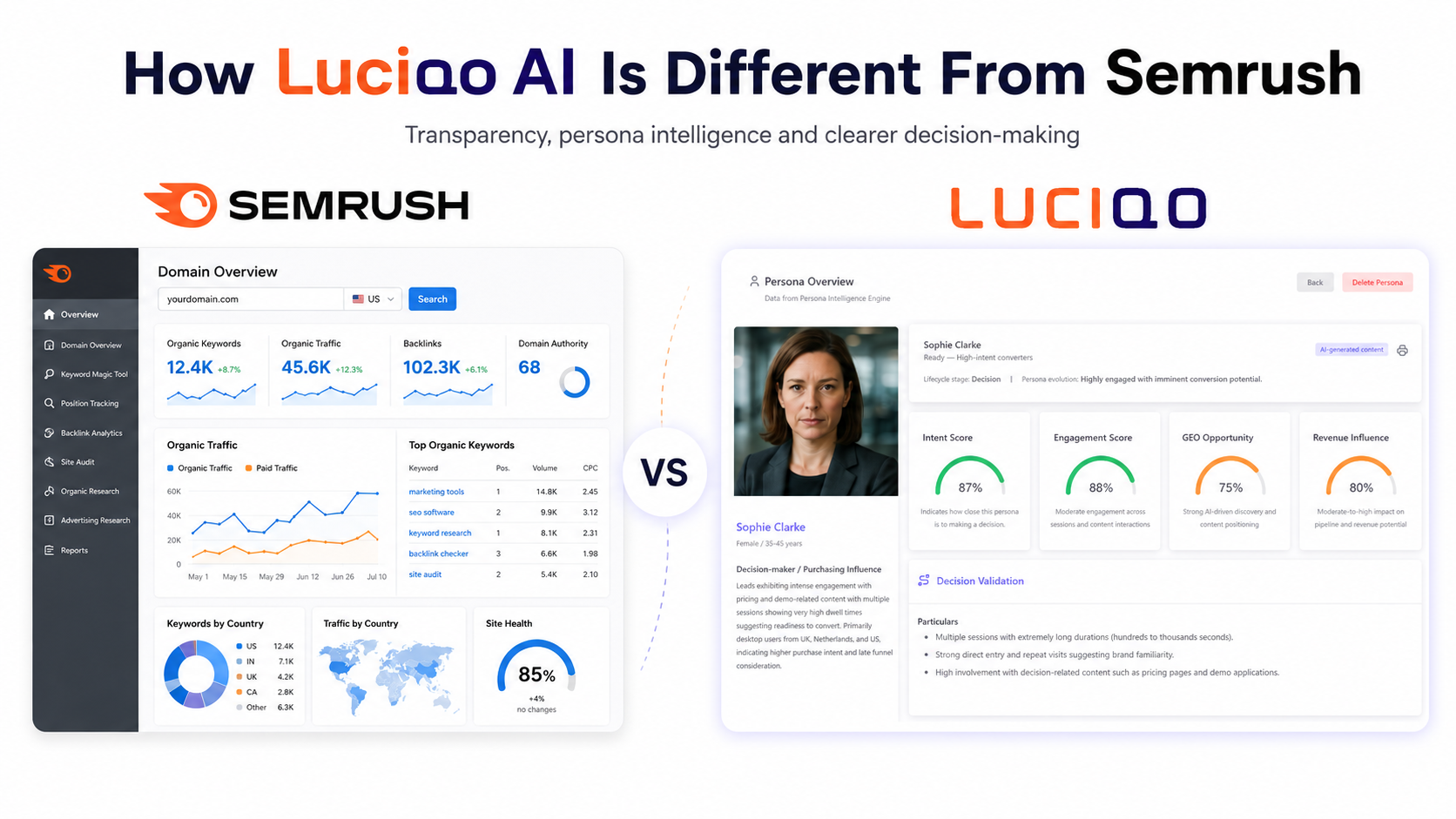
If you need to monitor how assistants actually recommend you versus competitors, we built Luciqo to track AI recommendation share and the sources models cite across ChatGPT, Claude, Gemini and Perplexity. It also links AI visibility to revenue by connecting Google Analytics/Matomo/HubSpot. See our guide: How to track AI recommendation share and which sources assistants prefer: Which sources do ChatGPT, Gemini and Perplexity prefer?.
What does “good” look like on a single product page?
- JSON‑LD includes Product + Offer with priceCurrency, availability, itemCondition, image array, GTIN, SKU, brand.
- additionalProperty covers the top comparable specs your category uses (e.g., capacity, weight, material, energy rating).
- OfferShippingDetails shows shippingRate, destination and deliveryTime; hasMerchantReturnPolicy points to a MerchantReturnPolicy with window and fees.
- Page content matches markup and feed. No currency mismatches, no “InStock” markup when the page says “Sold out”.
Closing: next steps
- Fix identifiers and variant grouping this week.
- Add shipping and returns structured data to PDPs.
- Clean your Merchant Center feed and apparel fields for the UK.
- Add UCP flags and variant_option in a supplemental feed if you want agentic checkout/cart.
- Ship an API endpoint that returns normalised comparable attributes.
- Track how often assistants pick you vs competitors, then write content designed to be quoted; our GEO Writer checklist helps tie your content to the attributes agents surface.
Do this, and when agents build a side‑by‑side, your product will be eligible, comparable and easy to buy — which is exactly what the model is optimising for.
Frequently asked questions
What is AI product discovery optimisation in plain English?
It’s the work of making your products machine‑readable and comparable so AI assistants can identify, shortlist and buy them. That means clean identifiers (brand, GTIN), correct product and offer structured data, high‑quality Merchant Center feeds, and catalogue APIs that expose normalised attributes.
Do I need Google’s Universal Commerce Protocol (UCP) now?
If you want to appear in agent‑mediated cart/checkout on Google experiences, yes. UCP flags product eligibility, variant options and consumer notices for agentic flows. Start by adding the recommended attributes in a supplemental feed as per Google’s UCP guide.
Are pros and cons supported on my product pages?
Pros/cons rich results apply to editorial review pages, not merchant PDPs. If you publish reviews, separate editorial reviews from PDP customer reviews and follow Google’s guidance.
What identifiers matter most for agents?
GTIN (mapped via GS1), brand, MPN and a stable SKU. Use 14‑digit GTINs in GS1 Digital Link URIs and make sure your feed, markup and API all reference the same identifiers.
Which ecommerce APIs are best prepared for agent comparisons?
Shopify’s Storefront/Admin GraphQL, BigCommerce’s Catalog API and WooCommerce’s REST API all expose products, variants and inventory. The key is to normalise attributes and keep price/availability fresh across regions.
How do I measure whether assistants recommend my brand?
Use Luciqo (https://luciqo.ai) to check what major models recommend for your category, who they cite, and how often you’re picked versus competitors, then link that visibility to revenue by connecting your analytics and CRM.

See what AI says about your brand
Start with a free snapshot: 10 buyer questions, four AI assistants, results in minutes. No card needed.