

How to track AI recommendation share and competitors that assistants suggest instead of you
Gustavo De Amorim8 min read

Short answer: you track AI recommendation share by running the same buyer prompts across ChatGPT, Gemini, Claude and Perplexity, logging who each assistant recommends, and trending it weekly. Then you join those results to analytics and CRM data to see which answers and citations correlate with traffic, leads and revenue. Tools can automate the prompts, collect citations, and map them to your brand and competitors. OpenAI, Google Gemini and Perplexity all expose citations when they use web search, which makes this measurable.
Why measure “AI recommendation share” now?
- UK usage of AI tools is rising. Ofcom’s latest Online Nation work shows generative‑AI services are gaining traction, with sharp growth in ChatGPT visits through 2025 in the UK. That means more product discovery is happening via assistants, not just search engines. Ofcom.
- When assistants search the web, they cite sources. Those citations reveal which sites shaped the answer and who got recommended—your brand or a competitor. OpenAI says ChatGPT includes citations when it uses web search; Gemini displays “related sources”; Perplexity links sources by default. OpenAI Help; Gemini Help; Perplexity Help.
- Independent analyses suggest assistants often lean on news and authority sites, so your PR and digital footprint affect who gets named. See Muck Rack’s large prompt study (summary via Axios). Axios.
What exactly is “AI recommendation share” and how do I compute it?
I use a simple metric:
- Share of Recommendation (SoR) = number of answers that recommend your brand ÷ total answers to a controlled prompt set, per assistant and overall.
- I also log: position (first named vs also‑ran), reasons cited, and which sources were linked.
Example schema for one run:
- Prompt: “What are the best B2B CRMs for a 50‑person SaaS?”
- Assistant: Gemini
- Answer includes: “HubSpot, Pipedrive, Zoho …”
- Citations: links to vendor sites and reviews
- Your brand mentioned? Yes/No
- Position: 2
- Sources that mention you: G2 profile; your pricing page
Over time, trend SoR by assistant and by persona/topic.
Which assistants and modes should I test?
Focus on where buyers actually are and where citations are visible:
- ChatGPT with web search enabled (citations appear when search is used). OpenAI Help.
- Gemini Apps (shows “related sources”; Gemini API can return grounded citations with Google Search). Gemini Help; Gemini API docs.
- Perplexity (always shows sources; Pro/Deep Research expands depth). Perplexity.
- Claude: focus on web search mode if enabled in your plan; record when citations are present.
Note: each assistant has a different retrieval stack and citation behaviour; measuring all four gives you a realistic category view. For background on how assistants pick and cite sources, see recent technical guides and research. Search Engine Land; OpenAI Learn; Resoneo on Gemini.
What prompts should I run—and how do I avoid bias?
Create a prompt library that mirrors real buying moments. Keep wording stable between runs so results are comparable.
Core prompt types
- Shortlist: “What are the best [category] for a [company size/industry/region]?”
- Fit‑for‑purpose: “Which [category] is best for [specific job] at a [company size] with [budget]?”
- Alternatives: “What are the top alternatives to [your brand]?”
- Buyer anxieties: “What are the common pitfalls when choosing [category], and who avoids them?”
- Pricing and implementation: “Which [category] offers transparent pricing and fast onboarding for [persona]?”
Bias control
- Don’t seed your brand name unless you’re running brand‑awareness tests—most assistants will then anchor on it. Recent studies show models can “write brands into searches,” so keep tests neutral for share tracking. arXiv GEO study.
- Fix the sampling: same prompts, same time window, per assistant.
Copy‑paste prompt examples for testers
- “You are advising a mid‑market UK CMO. Shortlist 5 [category] with pros/cons, UK pricing ballparks, and links to sources you used.”
- “Recommend 3 alternatives to [brand], explain why, and cite sources next to each claim.”
How do I capture and structure the data?
Minimum viable approach (manual)
- Use each assistant’s web mode where available so you get citations.
- For each prompt, paste the full answer and all citation URLs into a spreadsheet: assistant, date, prompt ID, brands named (ordered), SoR flag for your brand, and source domains.
Practical automation
- APIs: use OpenAI Responses API (search tool), Gemini API with Google Search grounding, and Perplexity API/Deep Research to programmatically submit prompts and parse citations. Gemini returns URL‑level grounding metadata; OpenAI and Perplexity return linked sources in responses. Gemini API; OpenAI Help; Perplexity Help.
- Normalise brands and sources. Maintain a brand dictionary (your domains, competitor domains, review sites, media) and map each citation URL to a domain and ownership type.
- Store runs with a stable prompt ID and assistant version/mode so you can compare periods accurately.
If you prefer a ready‑made approach, Luciqo tracks what ChatGPT, Claude, Gemini and Perplexity say about your brand, which competitors they recommend instead, and which sources they cite, then links it to analytics and CRM. It also includes a GEO Writer to create content designed to be cited by AI. Luciqo.
What KPIs should I report—and how do I tie them to pipeline?
Core visibility KPIs
- Share of Recommendation (by assistant, by persona/category)
- First‑mention rate (named first vs lower down)
- Citation share: % of answers citing your site vs third‑party sites
- Source mix: authority media vs reviews vs forums vs vendor docs (see why source credibility matters) — Luciqo explainer
Attribution and pipeline KPIs
- AI‑referred sessions: traffic from pages that assistants cited in winning answers (join by URL in Google Analytics or Matomo)
- Assisted conversions: leads and opportunities where the first/assisting touch is a cited page
- Opportunity rate from AI‑referred sessions vs non‑AI pages (in HubSpot or your CRM)
- Revenue influenced: closed‑won linked to cited pages or to periods where SoR meaningfully increased
Why this is defensible: assistants visibly cite sources; you can tag cited URLs and see the lift in sessions and conversion rates over the weeks you improve SoR. Gemini Help; OpenAI Help; Perplexity Help.
How often should I run this—and what’s a sensible cadence?
- Weekly for core prompts (5–15 per persona). Assistants change and indices refresh quickly; a weekly run catches swings without blowing budget.
- Monthly deep‑dive to expand prompts, add new competitors, and re‑crawl your content.
- Quarterly strategy review: correlate SoR moves with analytics/CRM outcomes and PR/content releases.
Ofcom’s 2025 analysis shows UK usage and discovery patterns are shifting towards AI answers; a weekly cadence keeps you aligned with that pace. Ofcom.
What should I do when I’m not recommended?
- Read the reasons in the answer: price, features, integrations, support. Fix what’s factual on your site first.
- Compare the cited sources for you vs the winners: where are they earning citations you don’t? Replicate the coverage (media, reviews, customer stories).
- Publish “AI‑readable” evidence: feature matrices, pricing, implementation steps, customer proof with names, dates and data. Assistants select pages with clear facts and citations. See our checklist to make content citable. GEO Writer checklist. Also useful background on source preferences: Which sources do ChatGPT, Gemini and Perplexity prefer.
A simple workflow you can copy this week
- Define 10 prompts per persona and category; freeze wording.
- Run them in ChatGPT (web), Gemini, Claude (web) and Perplexity; export answers and citations.
- Tag each citation domain as yours/competitor/third‑party and authority type.
- Compute SoR and first‑mention rate by assistant; flag deltas week‑on‑week.
- In GA/Matomo, build a segment for sessions landing on cited URLs; track conversions; in HubSpot, attribute leads/opportunities to those sessions.
- Prioritise fixes: missing pages, unclear pricing, weak comparison content, PR gaps.
- Publish or update one “citable” asset per week and re‑run.
At Luciqo, we automate steps 2–5 and connect to Google Analytics, Matomo and HubSpot so you can see which answers and citations move pipeline. If you’d rather build in‑house, follow the same structure and keep the prompt set stable. Luciqo.
What about quality and risk?
Assistants can mis‑cite or omit sources; test across multiple engines and spot‑check. Independent reviews have documented inconsistency in citation coverage and quality, especially when no web search is visible. Treat any single engine’s output as indicative, not absolute. Resoneo on Gemini; Ofcom discussion paper.
Closing: make AI recommendations a measurable channel
AI answers are now part of the buyer journey. Track AI recommendation share weekly, log citations, and connect them to your analytics and CRM. Then ship one “citable” improvement at a time. That’s how you turn AI visibility into pipeline.
Frequently asked questions
Which assistants should I prioritise first?
Start with ChatGPT (web search enabled), Gemini Apps, and Perplexity. They’re widely used and provide citations you can log. Expand to Claude if web search is available in your plan. OpenAI Help; Gemini Help; Perplexity Help.
How many prompts do I need for a reliable SoR?
Per persona and category, 10–20 well‑designed prompts give you stable weekly trends. Keep wording fixed and rotate only when you formally version the set.
What counts as a ‘recommendation’?
Record a recommendation when a brand is explicitly named as an option or shortlisted. Track position (first vs also‑ran) and any reasons. If the assistant refuses to answer, exclude the run.
How do I link this to revenue?
Tag pages that were cited in winning answers. In GA/Matomo, segment traffic landing on those URLs; in HubSpot, report opportunities and revenue where the first/assisting touch includes a cited page. Trend against SoR changes.
How do I improve my recommendation share?
Publish clear, fact‑rich pages that answer buyer questions, with sources and data. Earn third‑party coverage where assistants already look. See our GEO Writer checklist and research on preferred sources.
How often should I run the tests?
Weekly for the core prompt set, monthly for deeper audits, quarterly to align with planning. Assistants and indices change quickly, so weekly is a good heartbeat.
Keep reading
4 June 2026
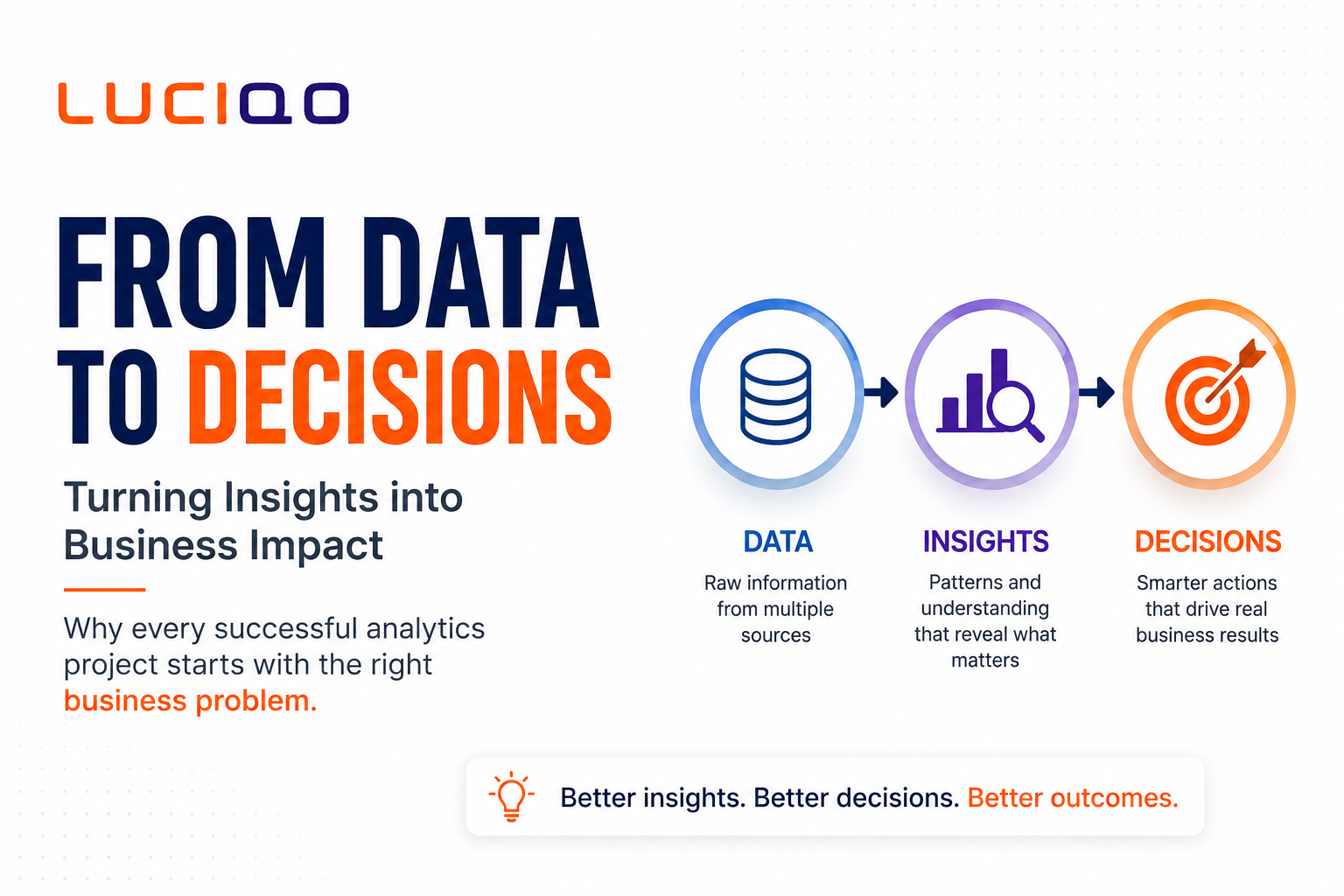
From Data to Decisions. Why Great Analytics Starts with the Right Business Question

28 May 2026
Why Fragmented Marketing Data Is Holding Businesses Back and How Luciqo AI Turns It Into Action

22 May 2026
Automating Persona and Intent-Driven Personalisation at Scale – How Luciqo.ai Transforms Modern Marketing
See what AI says about your brand
Start with a free snapshot: 10 buyer questions, four AI assistants, results in minutes. No card needed.