

Which pieces of your digital footprint matter most for AI recommendations?
Gustavo De Amorim7 min read
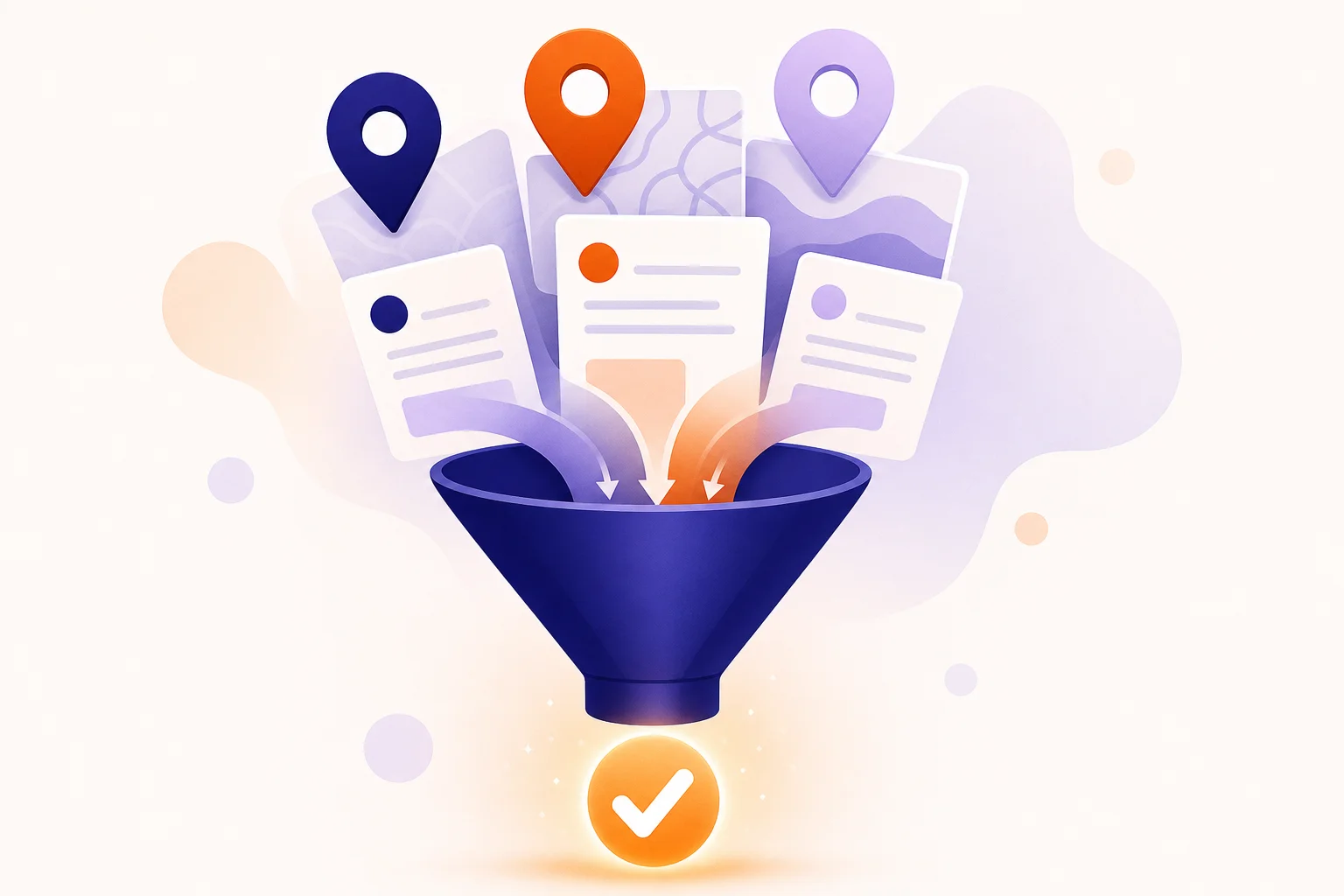
Short answer: fix your local listings, add clean organisation/service schema, and earn citations from credible sources. Then publish support pages, FAQs and original research built to be quoted. Do those in this order and most assistants will start recommending you more often.
What should I prioritise first to influence AI recommendations?
Here’s the order I use with clients when we want results fast.
- Claim and complete your core local listings (Google, Bing, Apple)
- Google Business Profile feeds local results in Search and Maps; Google says the information you provide (address, hours, reviews, photos) helps surface your business in relevant local results. Keep it complete and current. [Google Business Profile Help].
- Bing Places powers Bing search and Maps, and Microsoft recommends NAP consistency across your site and profiles. If Copilot grounds answers from Bing, your listing is table stakes.
- Apple Business Connect lets you control your Apple Maps place card and the data Siri can use. Apple calls it a free tool to customise how your business appears across Maps, Messages, Wallet, Siri and more.
- Add organisation and service/product schema the right way
- Google’s guidance says Organisation structured data helps disambiguate your company and can influence elements like your logo and knowledge panel. Use sameAs to connect official profiles and listings.
- Mark up core offers (Product, Service, LocalBusiness). Validate with Google’s Rich Results Test and the Schema.org validator.
- Treat FAQPage with care: Google curtailed FAQ rich results for most sites, keeping them mainly for authoritative government and health domains. Use FAQs for users (and AI), not for SERP embellishment.
- Earn citations from credible, topic‑relevant sources
- Google’s content guidance still points to E‑E‑A‑T: evidence of expertise, authoritativeness and trust. That correlates with the kinds of sources assistants prefer to cite.
- Independent audits show assistants often favour government, academic and high‑reliability publishers; Perplexity, in particular, leans citation‑first. Build assets that those sources will reference.
- Recent research on Generative Engine Optimisation finds retrieval (what the assistant’s search fetches) explains far more of what gets cited than on‑page tweaks. That means being included in the right indexes and being clearly about the query matters more than decoration.
- Publish support pages that answer real pre‑sale questions
- Assistants often look for precise, scannable answers (pricing rules, compatibility, SLAs, implementation steps). Write short, canonical pages per topic with clear headings and anchor links.
- Keep them up to date and link from your docs and product pages. This is the content most likely to be paraphrased or quoted when a buyer asks “does it integrate with X?”
- FAQs done for assistants (not for SERP eye‑candy)
- Structure questions exactly as customers ask them. One page per cluster beats one mega page.
- Use concise answers, links to proofs, and add FAQPage schema even if it won’t trigger a Google rich result — assistants still read it.
- Original research and methodology notes
- Short, defensible studies and data cuts earn natural citations and links. Include methods, dates, sample sizes and downloadable tables. Assistants and journalists can’t cite what they can’t verify. Evidence shows assistants search an index, then cite the pages they read; make yours the obvious source.
Why do listings and schema outrank everything else on speed?
Because assistants ground a huge share of answers in major search indexes and knowledge graphs. If your business data is missing or inconsistent there, the model has nothing solid to retrieve or disambiguate. Google explicitly states it uses Business Profile information to surface local businesses in Search and Maps. Microsoft documents Bing Places as the source of business details in Bing Search and Maps, which Copilot relies on. Apple says Business Connect controls how your location appears across Apple’s surfaces, including Siri. Fixing these gives you the fastest lift.
What makes a page “quotable” by assistants?
From what we and others have measured, three things:
- Clarity of intent match. Retrieval studies show inclusion in the assistant’s own search results dominates what gets cited. Signal your topic and entity consistently in titles, h1s, and intro lines.
- Verifiable facts. Link out to primary sources and include stats with dates. Google’s E‑E‑A‑T guidance, and media integrity toolkits, favour transparent sourcing — assistants reflect that.
- Clean structure. Short sections, clear subheadings, lists, tables, and anchor links help models extract passages and attribute them.
If you want a walkthrough, I wrote a practical guide: Step‑by‑step: Create GEO content that ChatGPT, Gemini and Perplexity will quote.
How do I measure whether this is working?
- Track “recommendation share” across assistants. At Luciqo, we simulate buyer prompts, log which brands assistants recommend, and record which sources they cite. It shows who you lose to, by query and persona. See our method and why citations matter.
- Connect AI visibility to revenue. Tie sessions and assisted conversions from AI‑sourced traffic to GA, Matomo or HubSpot. We built this into Luciqo so teams can see which answers and pages move pipeline.
- Watch listing analytics. Bing Places exposes impressions and top queries; treat spikes and drops as early signals.
What’s a realistic small‑team roadmap?
Here’s a six‑week plan I use with lean teams (two to three people, a few hours per week).
Week 1 — Audit and fixes
- Audit Google Business Profile, Bing Places, Apple Business Connect. Close duplicates; verify ownership; complete all fields; standardise NAP.
- Add Organisation schema to the homepage with sameAs pointing to official profiles and listings; validate.
Week 2 — Services and support
- Create or update Service/Product pages: 300–600 words each, pricing model, integrations, who it’s for, proof links.
- Draft two support pages answering common pre‑sale blockers (e.g., “Security and compliance overview”, “Implementation timeline”).
Week 3 — FAQs built for assistants
- Collect 20 real questions from sales chats, tickets and reviews. Group into 4–5 themes; publish one page per theme with concise answers and FAQ schema (even without Google FAQ rich results).
Week 4 — Citations you can earn this month
- Pitch one practical mini‑study to a relevant trade outlet or association; host the full tables on your site. Aim for one credible citation and one link.
- Submit corrected data to key directories and your industry databases to reinforce NAP and entity disambiguation.
Week 5 — Assistants audit and iteration
- Run a prompt‑testing sweep across ChatGPT, Gemini, Copilot and Perplexity for core buyer queries; log brand mentions and citations. Adjust headings and intros to improve intent match. Our playbook shows how to do this at scale.
Week 6 — Measurement and handover
- Wire AI‑referred sessions to GA/Matomo/HubSpot and set a monthly review. If you use Luciqo, align dashboards to personas and top queries so marketing and sales see the same picture.
What common mistakes slow teams down?
- Chasing SERP bells and whistles instead of eligibility. Since Google limited FAQ rich results, over‑optimising FAQ markup won’t move assistants. Focus on clarity and citations.
- Treating “authority” as domain‑wide. Assistants cite the most on‑topic, verifiable page they retrieve for the claim, not your homepage. Build narrow, provable pages.
- Ignoring Bing and Apple. If you only optimise for Google, you leave Copilot and Siri gaps. Fix Bing Places and Apple Business Connect.
The bottom line
Win the basics that assistants actually read: listings, schema, credible citations, and tight support content. Then keep a light cadence of FAQs and small, citable research. Measure weekly. If your name still isn’t coming up, it’s usually a retrieval problem, not a tone‑of‑voice problem — so go back to the indexes and your entity signals first.
Further reading from us if you want to go deeper:
- Which sources do ChatGPT, Gemini and Perplexity prefer — and how to get cited by them.
- Prompt testing playbook: how to simulate buyer queries and audit assistant answers at scale.
- Measuring and improving ‘AI read‑ability’: technical SEO for generative engines.
Frequently asked questions
Do AI assistants really use my Google and Bing listings?
Yes. Google states it uses Business Profile information to surface local businesses in Search and Maps, while Microsoft documents Bing Places as the source for Bing Search/Maps — which Copilot relies on for grounding. Apple’s Business Connect controls how your place card appears across Apple surfaces, including Siri.
Is FAQ schema still worth implementing?
Yes for users and assistants, but don’t expect a Google FAQ rich result unless you’re a well‑known authority site. Write FAQs to be read and cited by assistants; keep answers concise and link to proofs.
What kind of citations do assistants prefer?
Research and audits show a tilt to government, academic, standards and high‑reliability trade sources. Build publishable facts and methods that such sources are comfortable referencing.
What’s the fastest improvement I’ll see?
For most local and B2B firms: verified, consistent listings plus clean Organisation schema. It helps assistants retrieve and disambiguate your entity quickly.
How do I know if this is working?
Track recommendation share and cited sources across assistants monthly, watch listing impressions in Bing Places, and connect AI‑referred sessions to GA/Matomo/HubSpot so you can attribute pipeline.
Does on‑page optimisation still matter?
Yes, but retrieval dominates: studies show what the assistant’s search fetches explains more of what gets cited than on‑page tweaks. Make your topic and entity unmissable and verifiable.
Keep reading

See what AI says about your brand
Start with a free snapshot: 10 buyer questions, four AI assistants, results in minutes. No card needed.