

Measuring and improving ‘AI read‑ability’: technical SEO for generative engines
Gustavo De Amorim7 min read

Short version: make your site unambiguous to machines. That means consistent URLs, explicit canonicals, clean HTML, JSON‑LD structured data and answer‑ready sections that state facts plainly. Then verify how crawlers and AI features actually see your pages, and fix the biggest parse failures first.
What does “AI read‑ability” actually mean?
AI assistants and generative search experiences assemble answers by parsing pages, selecting sources, and sometimes quoting them. That pipeline relies on conventional crawl–render–extract steps, so the same technical SEO foundations still apply. Google’s own guidance says its AI features (AI Overviews/AI Mode) draw on the open web and include links to supporting sites, and performance appears in Search Console like any other result.
OpenAI documents separate crawlers and user agents (GPTBot, OAI‑SearchBot, ChatGPT‑User), which can be controlled via robots rules; if you allow them, they may use a single crawl to reduce duplication. Perplexity’s product notes emphasise keeping citations visible alongside answers. In short: if your page is crawlable, parsable and explicit about facts, you’re more likely to be cited and trusted.
Which site structures and signals matter most?
- Canonicals: Google treats rel="canonical" as a strong hint, not a command. Use one self‑referential canonical on each indexable URL and align it with sitemaps, hreflang and internal links.
- Robots controls: robots.txt only governs crawling and can’t reliably prevent indexing of discovered URLs; use noindex (meta or X‑Robots‑Tag) when you really need a page out of search.
- Structured data: Google supports JSON‑LD, Microdata and RDFa, but recommends JSON‑LD for most sites because it’s easiest to implement and maintain at scale. Follow the general policies and the type‑specific docs.
- FAQ/How‑to/Article/Dataset and ClaimReview where relevant: correct, policy‑compliant markup improves machine understanding and may surface rich features.
- Navigation and links: ensure real, crawlable <a href> links; Lighthouse and modern SEO crawlers flag non‑crawlable anchors and canonical errors.
How do I design answer blocks that models can quote reliably?
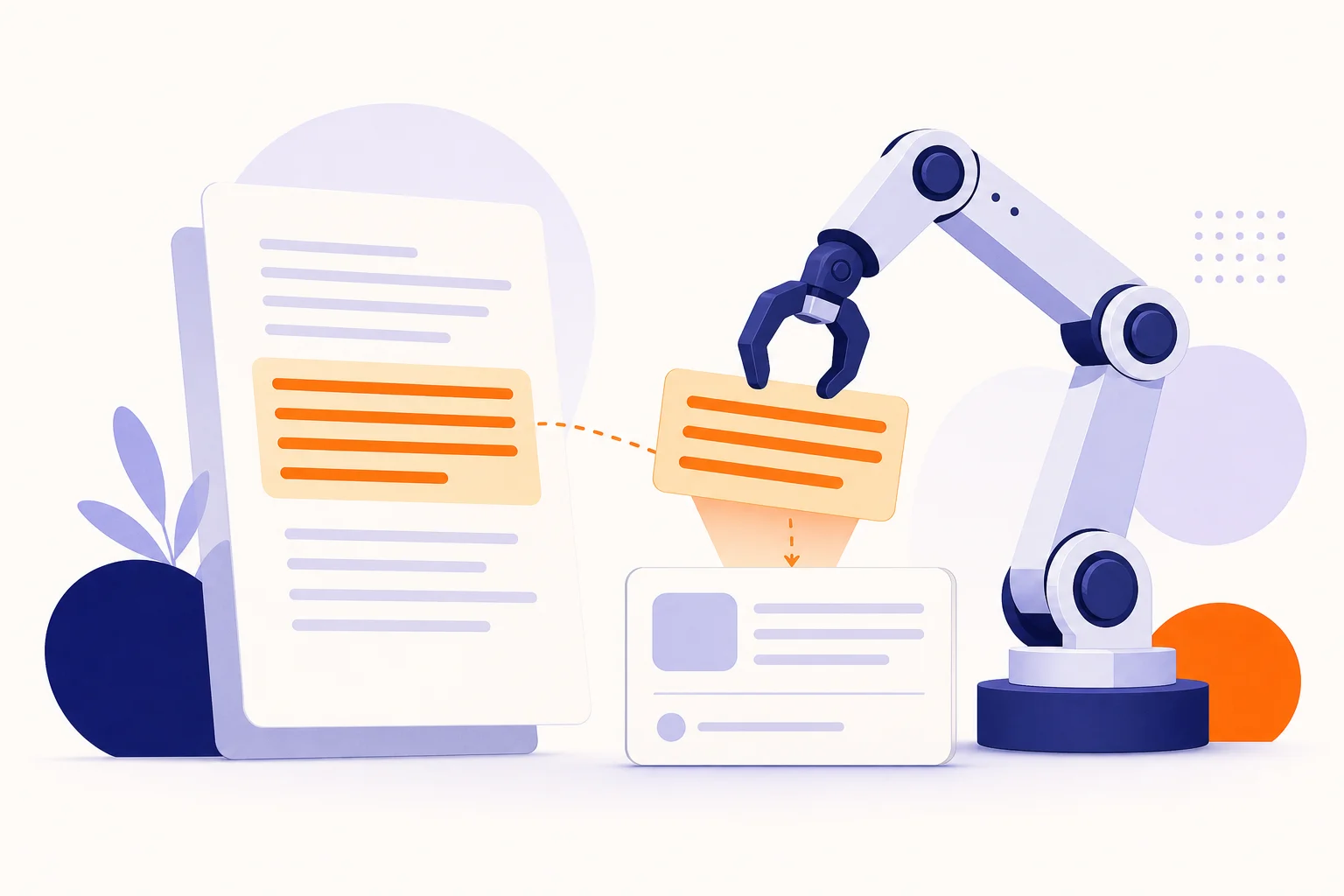
Think in “fact cards” and short, scannable paragraphs. Keep one fact per sentence, label entities and units, and mirror those facts in JSON‑LD. This reduces ambiguity during extraction.
Minimum viable answer block for a product or feature page:
- An opening summary paragraph with your unique value, price or plan names, and who it’s for.
- A bulleted spec list with labelled fields (for example, “Price: £29/month”, “Integrations: HubSpot, GA4”).
- A short Q&A beneath (2–4 questions) marked up as FAQPage where appropriate and policy‑compliant.
- If you publish claims others might cite or check, consider ClaimReview with a concise verdict and link to your evidence.
What structured data should medium and large sites prioritise?
- Article/NewsArticle or Product/SoftwareApplication on core templates, with stable IDs, dates, author/publisher, offers and version numbers where relevant. Google’s docs show required and recommended properties and advise testing with Rich Results Test and URL Inspection.
- Organisation and Website on the homepage for brand identity, sameAs profiles, and site‑level search actions where applicable. Follow general structured data policies.
- Dataset or CreativeWork for resource libraries, with consistent naming, descriptions and URLs.
Across all types: make sure machine‑readable facts match on‑page text; mismatches are treated as abusive and can reduce eligibility.
How do I test whether AI can parse my pages?
Use the same tools engineers ship with and the ones search teams rely on:
- Google’s URL Inspection: check the indexed version, render, selected canonical and detected structured data; run a Live Test after fixes.
- Rich Results Test: validate JSON‑LD for supported features; preview where available.
- Lighthouse SEO: spot invalid canonicals, non‑crawlable links and basic indexability issues directly in Chrome.
- Log files (large sites): confirm which user agents actually fetch templates and assets (for example, Googlebot, GPTBot, OAI‑SearchBot) and whether your controls are respected. OpenAI publishes user‑agent details you can match in logs.
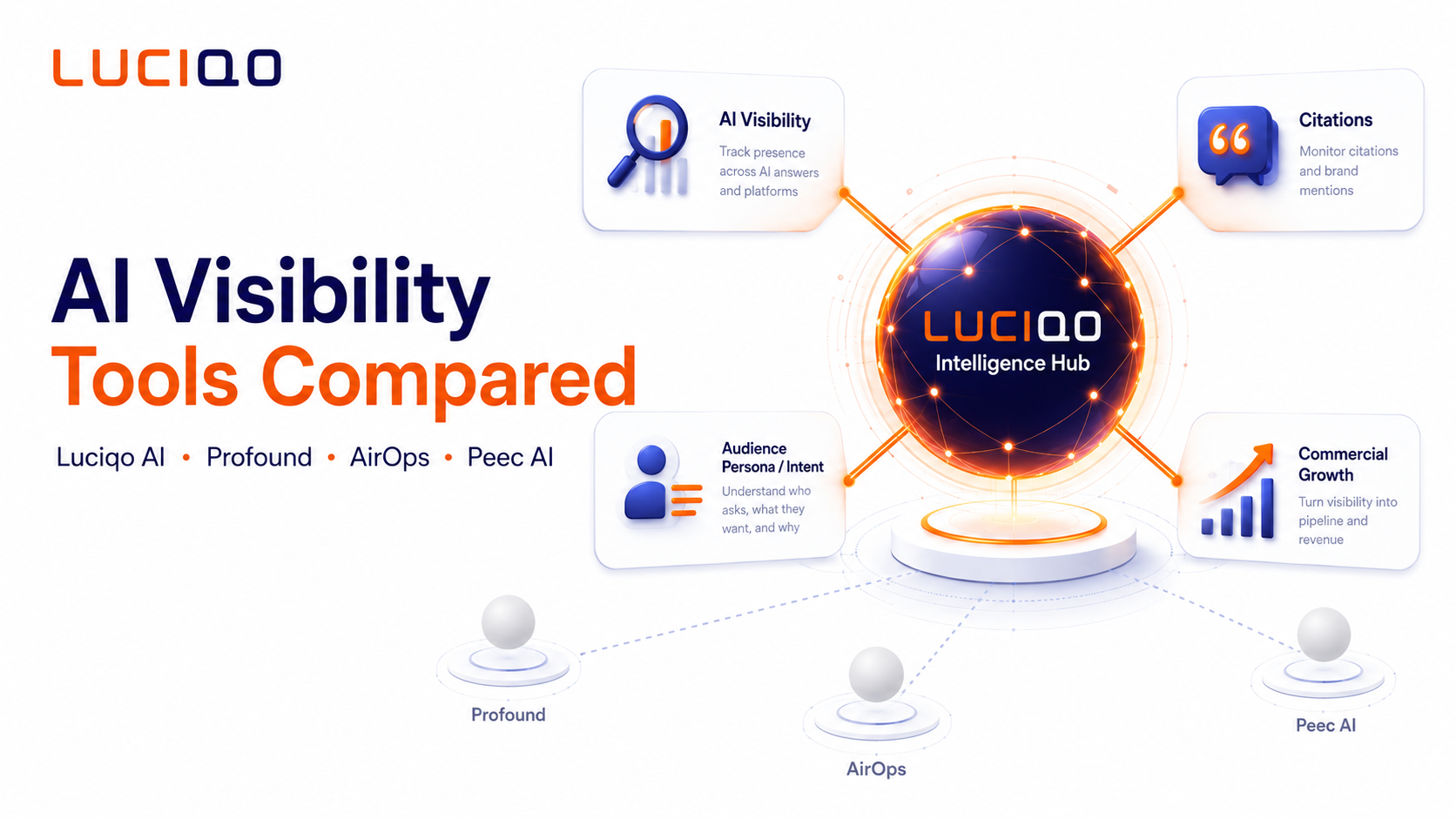
If you’re benchmarking how assistants recommend you versus competitors, we at Luciqo provide automated prompt testing, recommendation‑share tracking and source analysis across ChatGPT, Gemini and Perplexity, with GA/Matomo/HubSpot linkage to revenue impact. See our playbook and tracking guides: Prompt testing playbook and How to track AI recommendation share.
What are the highest‑impact fixes for AI read‑ability?
- Canonical alignment at scale
- Enforce one, absolute, self‑referential canonical per indexable URL.
- Make canonicals, sitemaps, hreflang and internal links point to the same URL. Google treats conflicting canonicals as ignorable hints.
- Robots and indexation hygiene
- Use robots.txt to guide crawl; use noindex (meta or header) to prevent indexing. Don’t rely on robots.txt alone to keep pages out.
- JSON‑LD on all core templates
- Prefer JSON‑LD; keep it in sync with visible text. Validate with Rich Results Test and the Schema Markup Validator.
- Answer blocks in plain language
- Put a short “What is it? Who is it for? Price? Proof?” box near the top of key pages. Mark up FAQs where policy‑compliant.
- Clean, crawlable navigation and HTML
- Replace JS‑only click handlers with real links; ensure key content is in rendered HTML. Lighthouse flags non‑crawlable anchors.
- Evidence and claims
- If you publish claims with evidence, add ClaimReview so models and features can summarise your verdicts.
How do I run diagnostics quickly on a medium site (≤50k URLs)?
Do this in a single afternoon:
- Crawl a template sample: home, category/listing, product/article, pagination, search/filter results.
- Check five things in Lighthouse/URL Inspection per template: HTTP status, canonical, indexability (noindex?), structured data validity, and crawlable links.
- Validate JSON‑LD for each template type; fix required‑property errors first.
- Compare canonical vs sitemap vs internal link for 200 random URLs; fix mismatches.
- Add/repair a top‑of‑page answer block on your top 20 entry pages.
And for large sites (≥50k URLs)?
Prioritise template‑level fixes and crawl budget:
- Server logs: confirm which bots hit which sections; throttle or disallow low‑value traps, but use noindex for true exclusions.
- Parameter rules: decide which filtered pages are indexable landers; others should be canonical to the clean version or noindexed.
- Hreflang at scale: ensure reciprocal tags and that hreflang points at canonical URLs. Many large‑site duplication problems are hreflang/canonical conflicts surfaced by Lighthouse and crawlers.
- Schema governance: maintain shared JSON‑LD modules and test in CI; errors multiply fast across thousands of pages. Google’s policies stress compliance to stay eligible.
How do I measure the outcome beyond “it validates”?
- Track inclusion and clicks from Google’s AI features in Search Console alongside classic impressions.
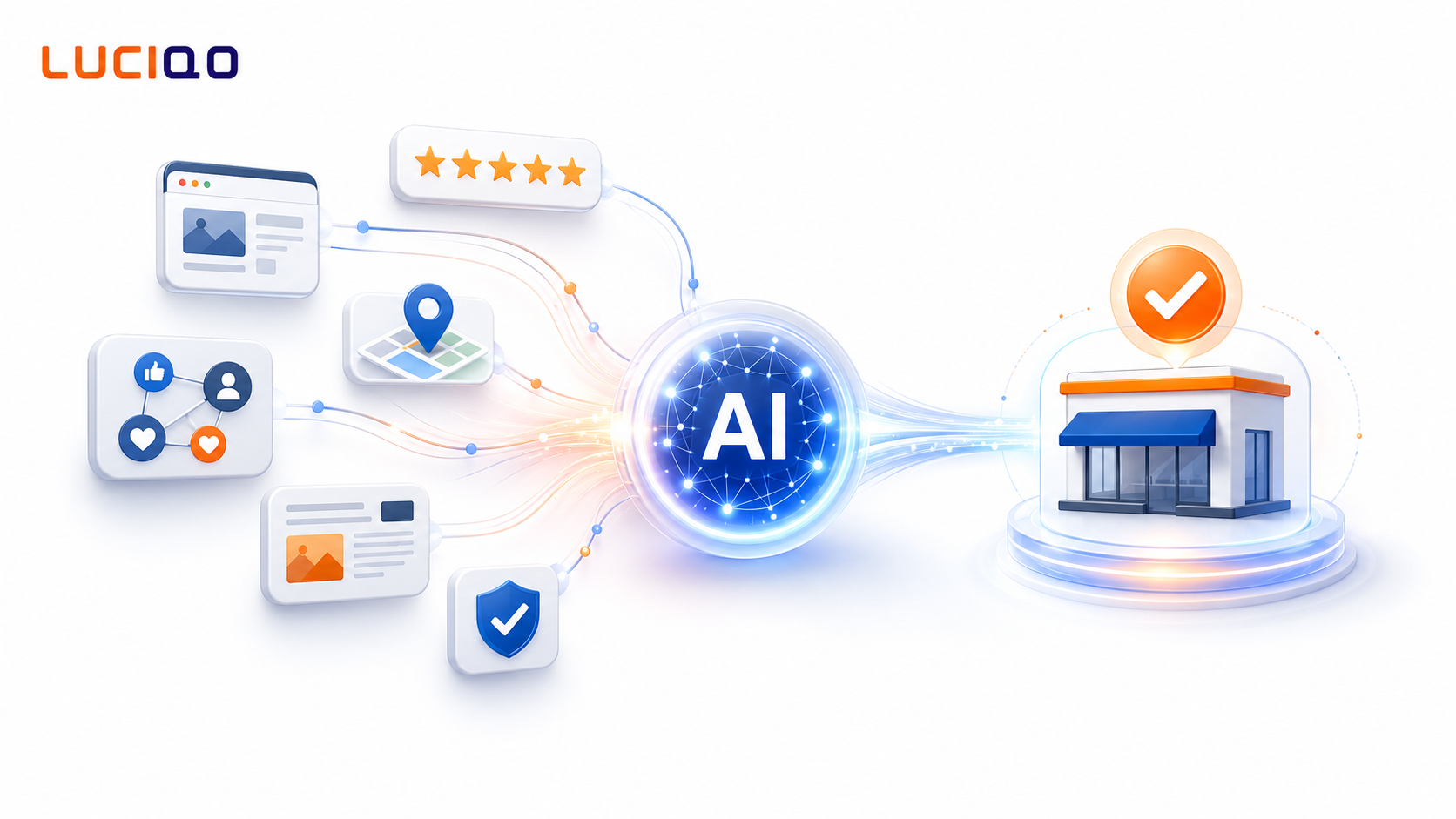
- Monitor whether assistants cite you more often over time. Recent research shows that retrieval choices and model knowledge heavily influence which sources get cited, so test the exact questions your buyers ask, per platform.
- Connect assistant‑driven visitors and quoted pages to conversions. That’s precisely what we built Luciqo for: to attribute AI visibility to pipeline and revenue by connecting GA/Matomo/HubSpot. If that’s your next step, this post explains the setup: From GA to AI revenue.
Quick checklist
- One canonical per indexable URL; all signals align.
- Noindex used for true exclusions; robots.txt for crawl management only.
- JSON‑LD on core templates; passes Rich Results Test; matches visible content.
- Answer blocks with labelled facts and brief Q&A where policy‑compliant.
- Navigation links are real <a href>; key content is in rendered HTML.
- Logs confirm desired bots can reach pages; anomalies investigated.
What should I do next?
- Fix canonical, robots and JSON‑LD on your top traffic templates first; validate with Lighthouse, Rich Results Test and URL Inspection.
- Add answer blocks to top pages and align copy with schema.
- Run prompt‑based audits of how assistants recommend you across common buyer tasks; track recommendation share and citations over time. Our guide shows the workflow: How do AI assistants decide which businesses to recommend?.
Frequently asked questions
What is the fastest way to check if Google picked the right canonical?
Use Search Console’s URL Inspection for a sample of URLs. It shows Google’s selected canonical and lets you Live Test after fixes to confirm rendering and indexability before re‑submission.
Does robots.txt stop AI assistants from using my content?
Robots.txt controls crawling, not legal reuse or indexing. Google can still index a disallowed URL if discovered; use noindex to exclude from search, and check each AI provider’s crawler and controls. OpenAI publishes GPTBot and OAI‑SearchBot details.
Is JSON‑LD mandatory for structured data?
No. Google supports multiple formats, but recommends JSON‑LD because it’s easiest to implement and maintain. What matters most is valid, policy‑compliant markup that matches visible content.
Should I add FAQPage everywhere to get cited more?
Only where it’s useful and compliant. Use short Q&As that match on‑page text; don’t stuff irrelevant FAQs. Follow Google’s policies and validate with Rich Results Test.
How can I tell if assistants are actually recommending us?
Run controlled prompts and record answers, sources and links over time across platforms. Luciqo automates this and ties changes in AI visibility to GA/Matomo/HubSpot revenue data so you can prove impact. See our prompt testing guide.
What’s the biggest enterprise‑scale pitfall?
Signal conflicts at template level: canonicals vs hreflang vs sitemaps vs internal links. Resolve them centrally; Lighthouse and crawlers will highlight invalid canonicals and non‑crawlable anchors.
See what AI says about your brand
Start with a free snapshot: 10 buyer questions, four AI assistants, results in minutes. No card needed.